
Companies and system settings
The Companies menu is available only to administrator users. Companies represent the organisation, head office or branches inside one tenant. Verify the active company and financial year before importing, posting or reporting data.
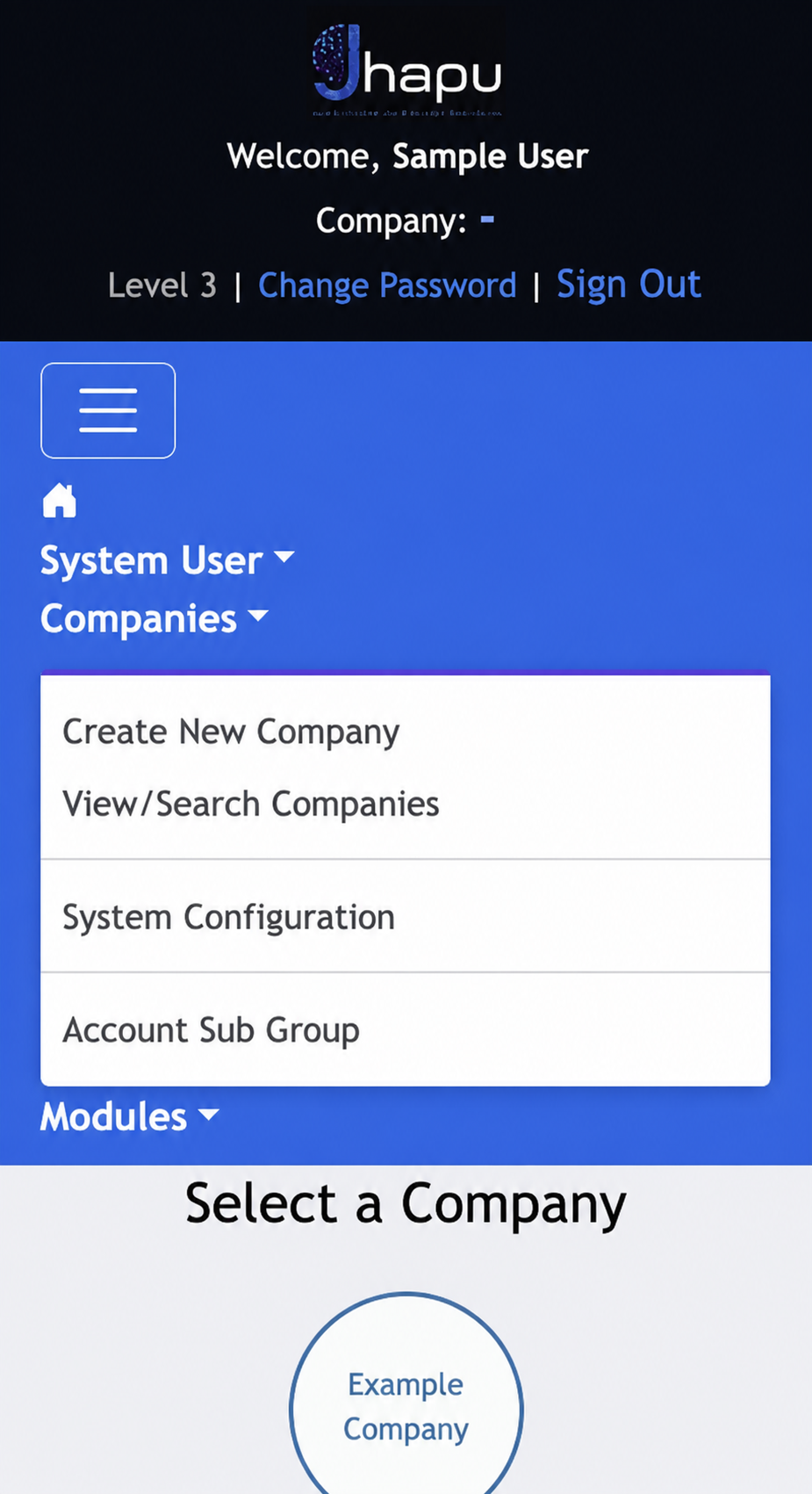
- Create New Company: add a company for the tenant.
- View/Search Companies: find an existing company and review or edit its details.
- System Configuration: manage the tenant’s system configuration settings.
- Account Sub Group: manage account sub-group definitions.
Edit company details
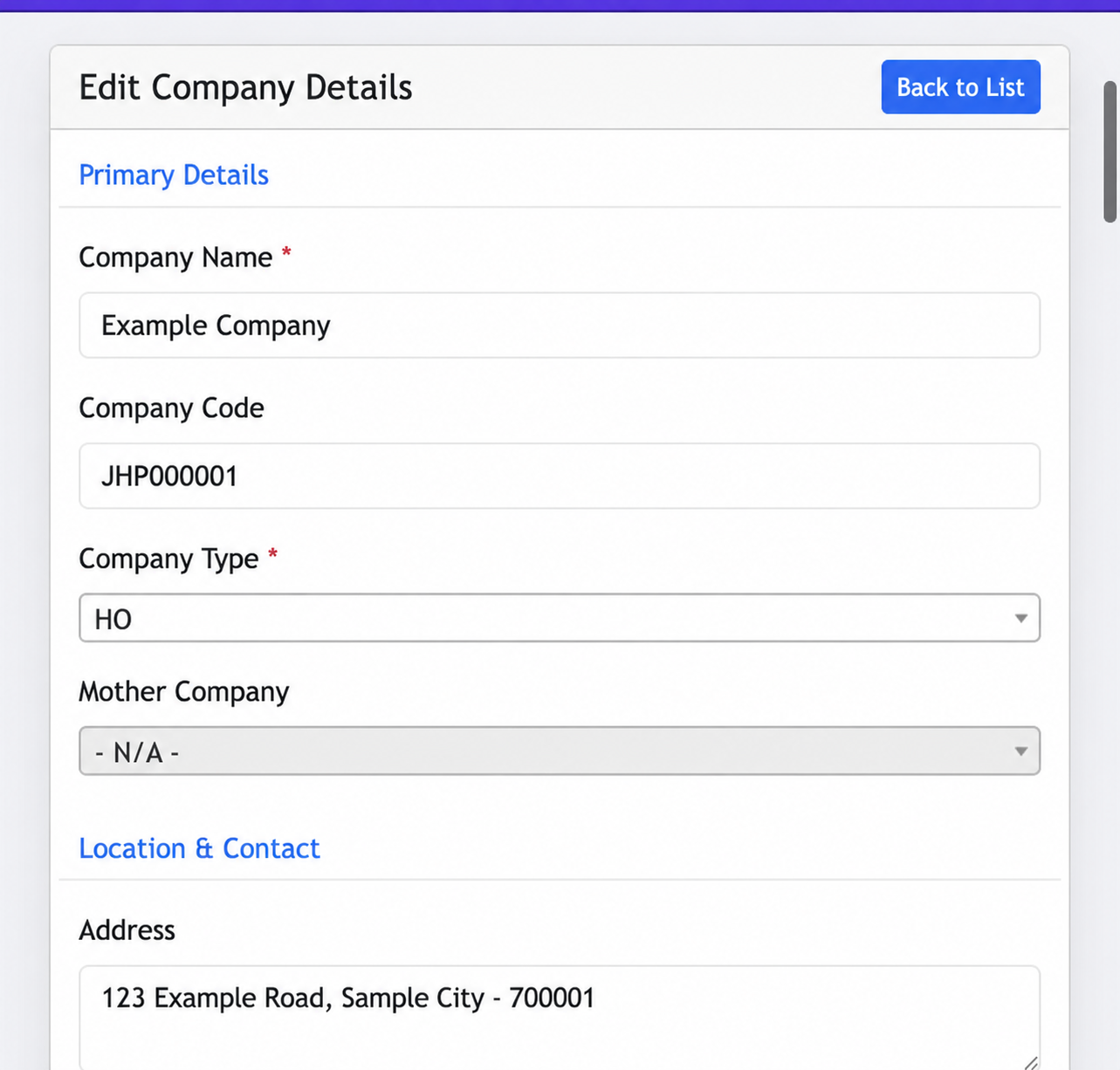
The Edit Company page contains several groups of information. The guide uses separate screenshots so each group remains readable. All values shown below are examples.
Primary Details
Maintain the company name, company code, company type and, where applicable, the mother company relationship.
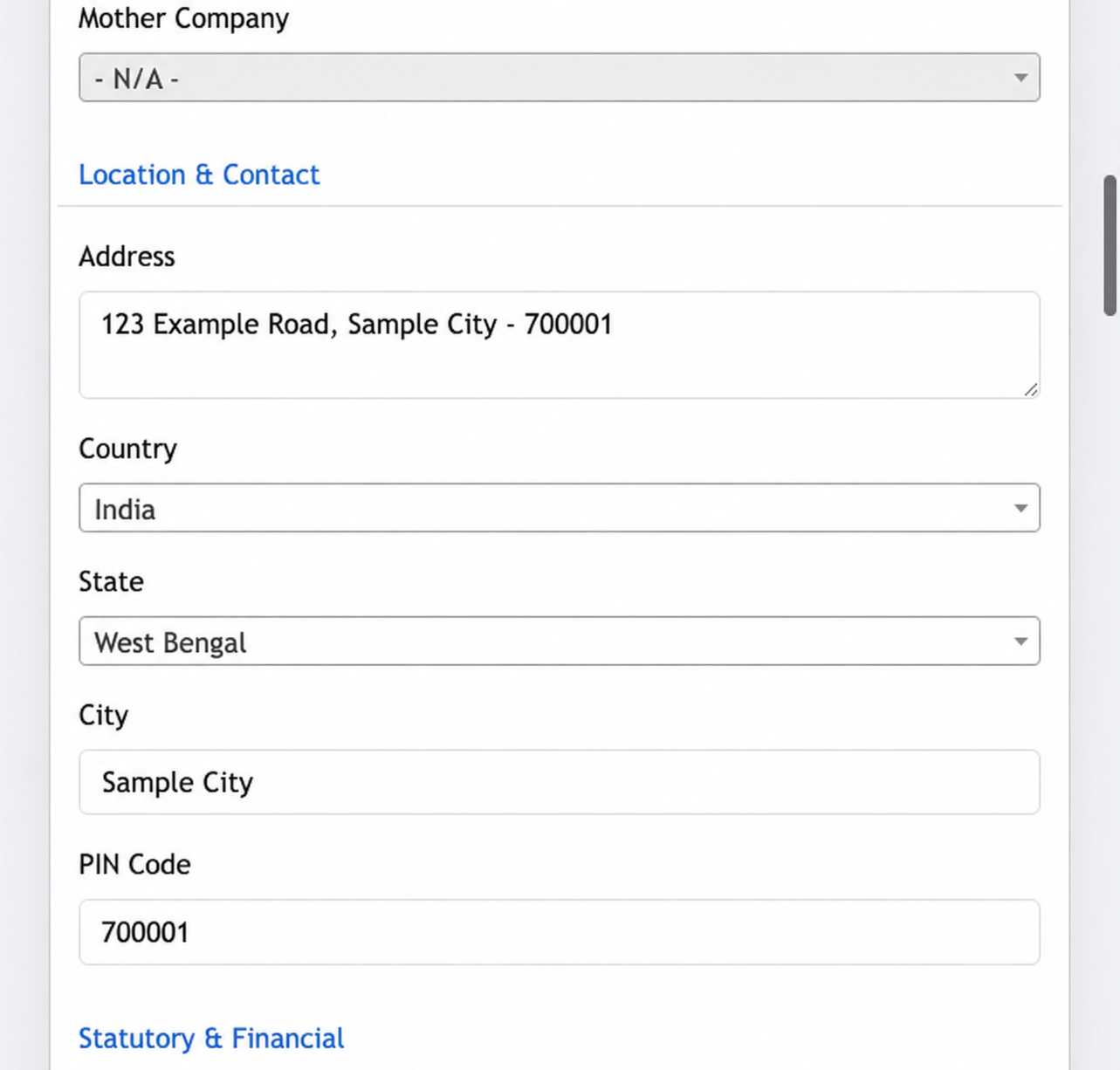
Location & Contact
Record the business address and location details used for company information and operational documents.
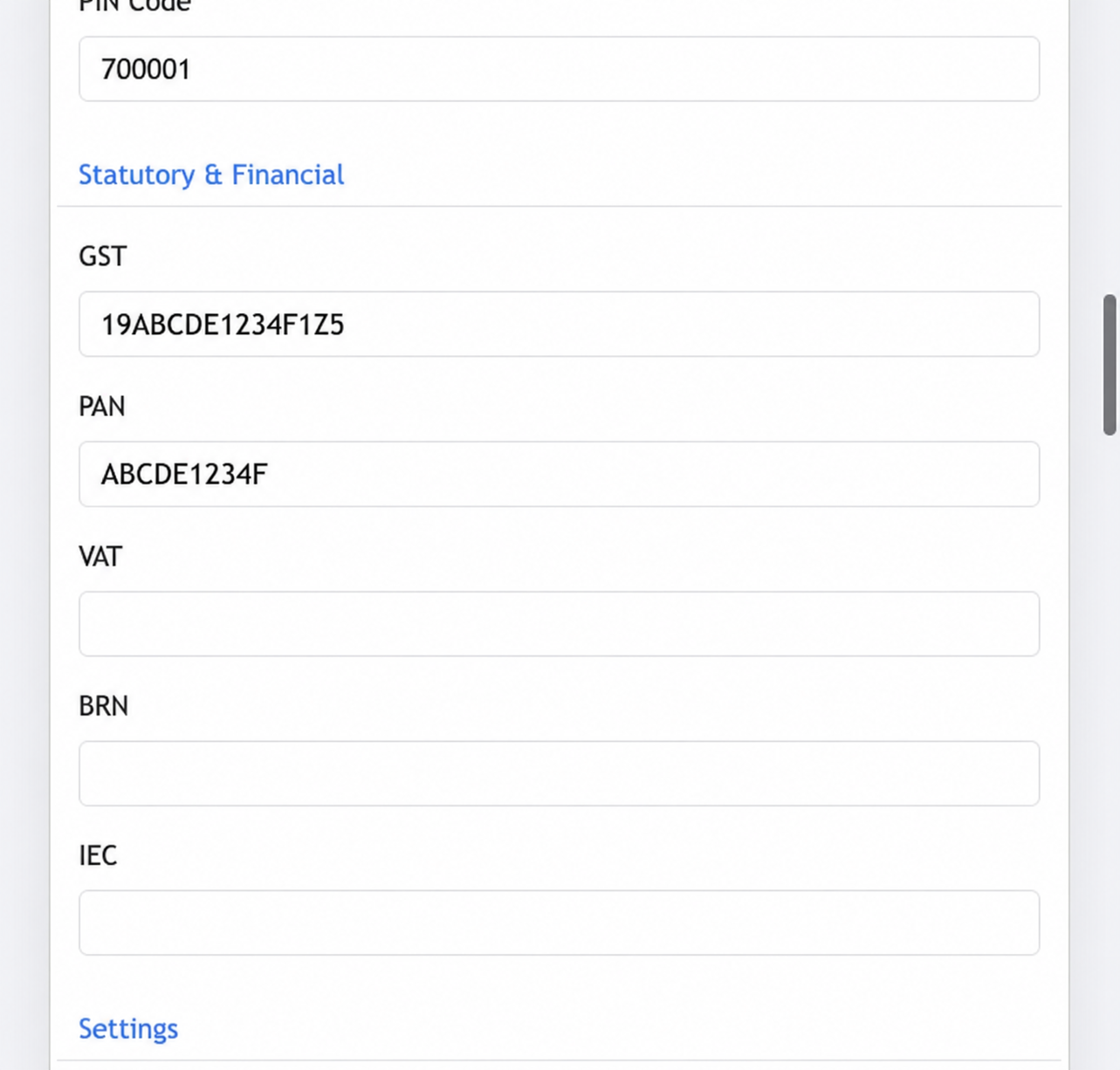
Statutory & Financial
Enter applicable registration details such as GST, PAN, VAT, BRN and IEC carefully. These values affect statutory documents and reports.
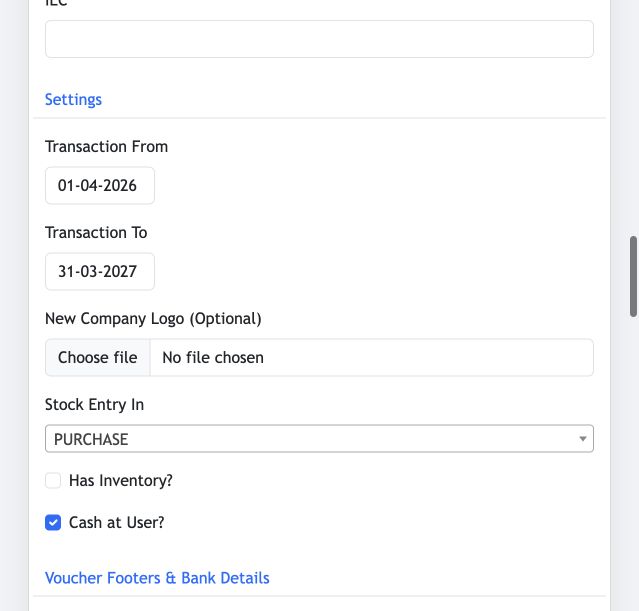
Settings
Set the company’s transaction period, optional logo, stock-entry preference, inventory availability and Cash at User option.
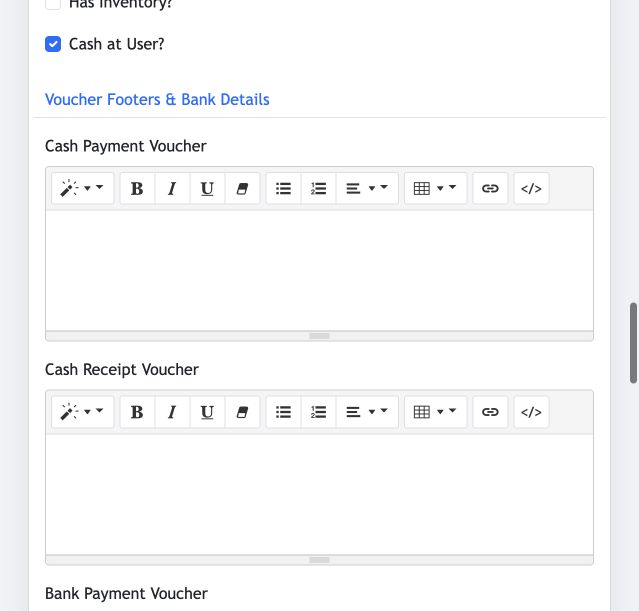
Voucher Footers & Bank Details
Configure the text shown on cash and bank voucher printouts. Keep this wording accurate and review it after any business or banking change.
Configuration discipline
Identify affected companies, users, transactions and reports.
Change one setting at a time and record the reason.
Test with the intended role and review resulting reports.
Sensitive information
Database passwords, API secrets, SMTP credentials, GST provider credentials and signing keys must never be placed in screenshots, support messages or ordinary application logs.