
Company Home
After selecting a company, the user lands on Company Home. This is the starting point for day-to-day ERP work in the selected company.
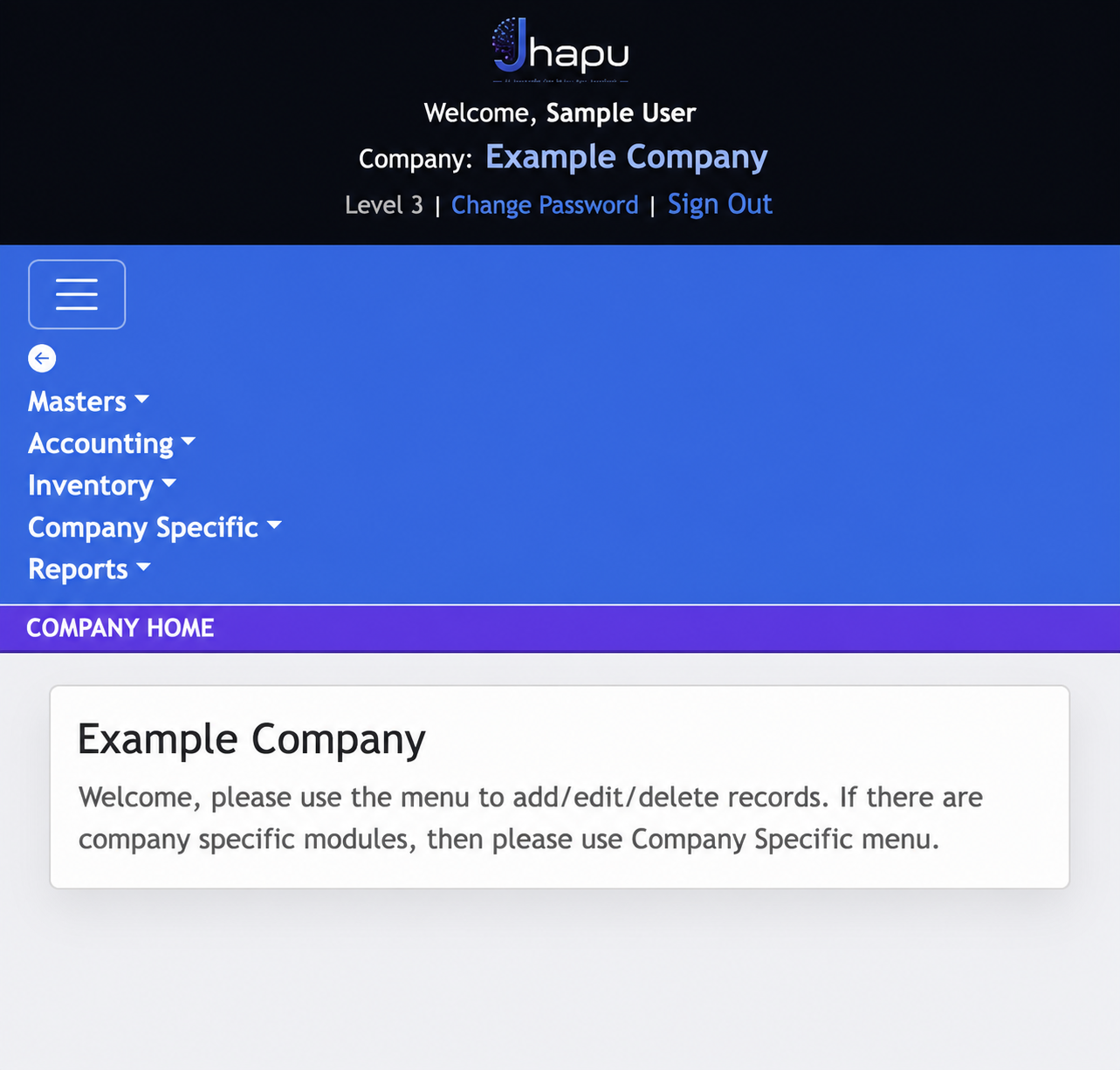
Masters, Accounting, Inventory and Reports are built-in ERP areas. When generated modules are added for a company, they appear under JhapuGen.
Choose an ERP area
Use these category guides as the starting point. Each category will contain focused pages for its individual ERP screens and workflows.
Maintain the reusable account, inventory and statutory information used by transactions.
Open Masters →Built-in ERPAccountingRecord financial vouchers and manage the accounting workflow for the selected company.
Open Accounting →Built-in ERPInventoryManage item movement, stock-related documents and inventory operations.
Open Inventory →Custom ERPJhapuGenAccess the generated modules that have been created and enabled for the company.
Open JhapuGen →Built-in ERPReportsReview financial, inventory and statutory reports for the selected company.
Open Reports →